How to Change the Position of Chrome's Side Panel?
Written By Side Space
Last updated Almost 2 years ago
Google Chrome's side panel typically appears on the right-hand side by default. However, there’s a way to switch it to the left side, making it easier for those who prefer working on the left or find it more ergonomic. Here’s how you can do it:
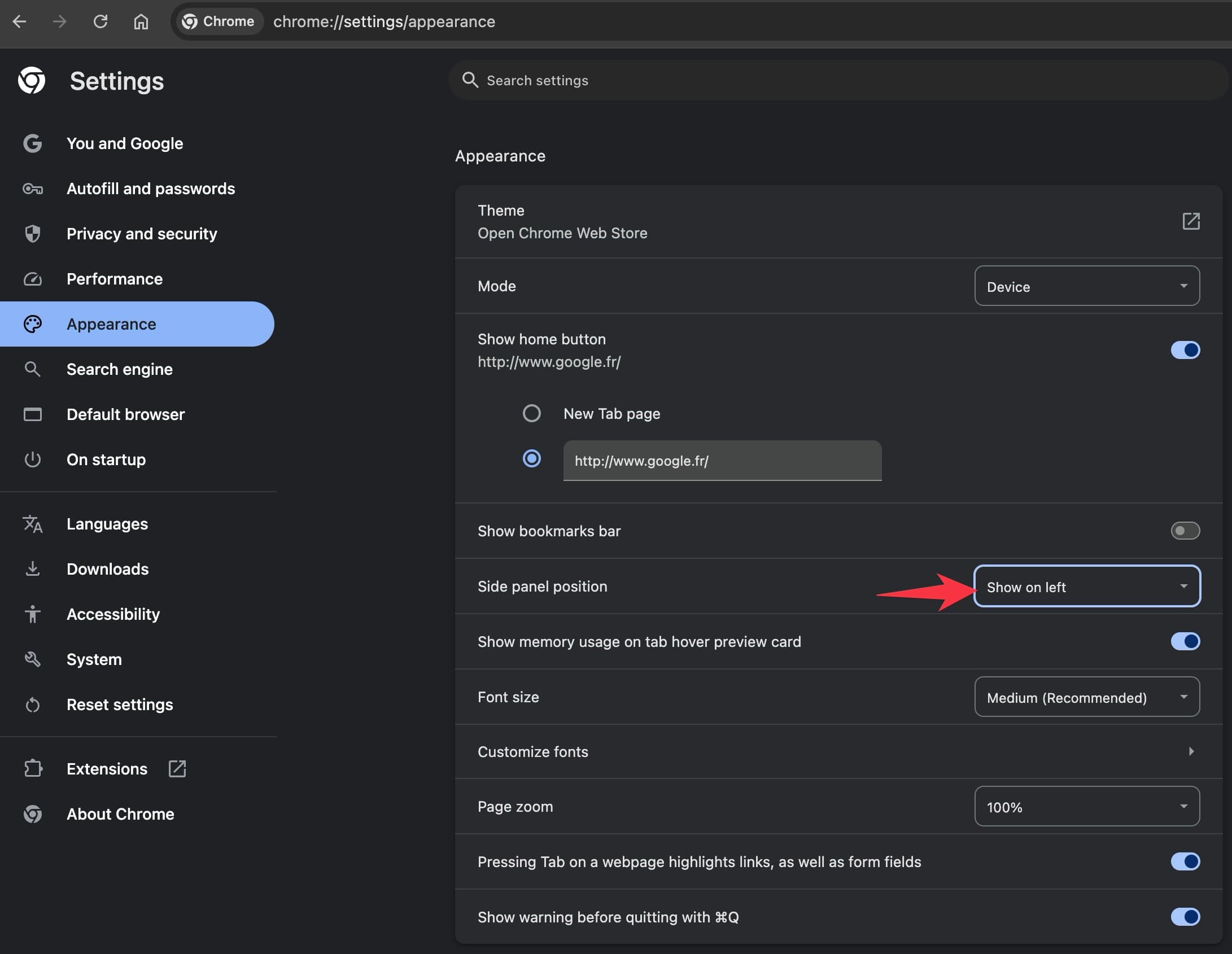
First, open Chrome and navigate to the settings menu by clicking on the three dots in the upper right corner.
Next, locate the “Appearance” section and look for the option to change the side panel location.
Last, Select “Chrome Side Panel to the Left” to move it to your preferred side.
Was this helpful?
Still need help? Share an idea