Register License
Written By Side Space
Last updated Almost 2 years ago
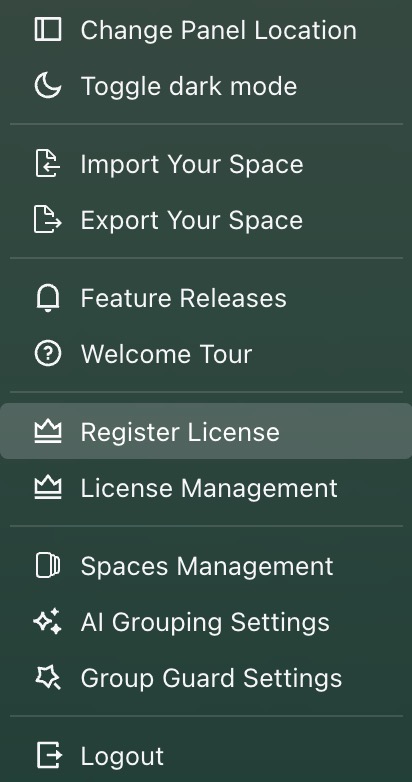
To unlock Pro features in Side Space, you need to activate your license manually. Follow these steps:
Locate Your License: After purchasing, find and copy the license key sent to your email.
Log in to Side Space: Ensure you’re logged in to your account.
Access the Settings Menu: Click the your avatar, then select Register License
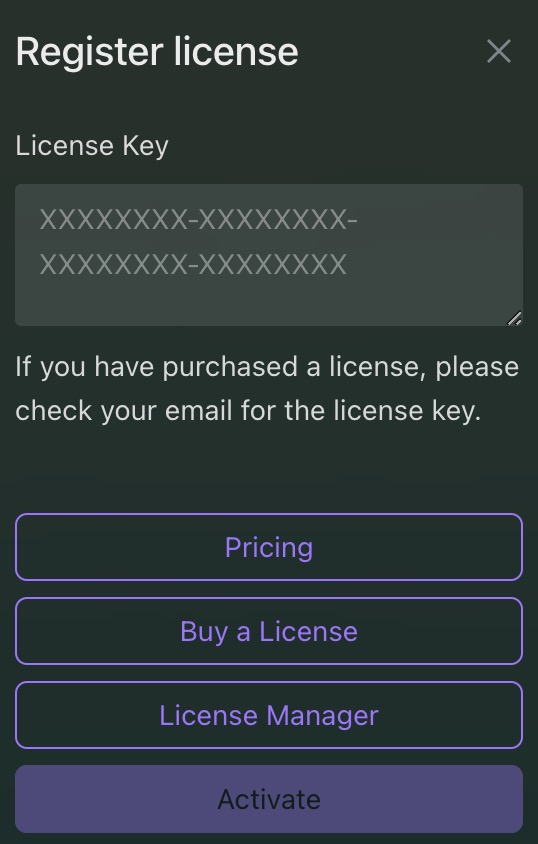
Register Your License: Paste the license key into the text field and click Activate.
Confirm Activation: Reopen Side Space. If you see the Pro logo ✔️ next to your username, your registration was successful.
Was this helpful?
Still need help? Share an idea